ASUS Starts Shipping Wi-Fi 8: Design Beyond Peak Speed
On October 6, ASUS announced that its ROG Rapture GT-BN98 is now shipping. Earlier in September, the company had described Canada as an early market ahead of wider October availability. The update puts a quad-band Wi-Fi 8 router into the next stage of retail availability—and makes a useful design question tangible: how do you make a powerful home-network hub work in rooms whose users and connected devices may not yet use the new wireless standard?
The GT-BN98 is a substantial piece of hardware. ASUS lists eight external antennas, four radio bands, two 10-gigabit Ethernet ports, four 2.5-gigabit ports, a 350-millimeter-square footprint and a weight just over two kilograms. Those specifications describe capability, but they also describe a placement problem. The router must live somewhere visible enough to work well, reachable enough to wire and reset, and acceptable enough that someone will leave it there.
Eight antennas turn placement into part of the interface
ASUS’s published specifications call out eight external antennas and show the unit’s port and control layout. Independent testing by Dutch technology publication Tweakers describes the antennas as hinged and repositionable, but not detachable; its reviewer also found that folding all eight antennas back into the box takes care. That observation matters beyond packaging. A device with many antennas asks owners to understand orientation, preserve room around the chassis and manage the visual sprawl of the installation.
For this class of product, industrial design has to choreograph the space around the enclosure. Antennas need clearance from shelves and walls. Ethernet leads and power cables need an exit path that does not kink or make the unit sit awkwardly. Status indicators should be legible from the angle at which the router is actually installed, not only in a straight-on product render. These are design implications drawn from the published geometry and reviewer observations, not claims about a particular home’s coverage.
That makes set-up a useful design test. Put a prototype on a crowded media console, in a shallow shelf and beside a wall outlet. Ask someone to connect it, position its antennas and identify the WAN and LAN ports without a diagram. If the ideal radio position conflicts with the room’s only convenient cable route, the product’s “best” placement may never happen.
Wi-Fi 8 is a promise; current clients shape today’s experience
ASUS identifies the GT-BN98 as Wi-Fi 8 (802.11bn), and its own specification page labels the standard as a draft. Tweakers tested the router with Wi-Fi 7 client devices because Wi-Fi 8 clients were not available to its test lab. In those tests, the reviewer found some improvements on particular bands and conditions, but not a broad range advantage over the previous model. The review is a snapshot of one test setup, not a universal performance verdict; it does show why the new standard alone cannot be the whole product story.
When buyers cannot yet connect a next-generation client, the present-tense value has to come from things they can use now: stable operation with existing devices, a clearer way to diagnose interference, useful wired ports, or setup that makes a complicated network easier to manage. ASUS says the router includes WiFi Insight for detecting interference and adaptive quality-of-experience features. Whether these benefits matter to a particular household depends on its devices, broadband plan and layout; buyers should compare those needs with the existing router before treating a new wireless generation as an automatic upgrade.
Make capability understandable in the room
A router with eight antennas and high-speed ports can look like specialist equipment even when its job is to support ordinary routines: a video call upstairs, a game in the evening and a television streaming in another room. That creates a useful design distinction. The internal engineering can be complex, while the owner’s mental model should stay simple: where to put the unit, what its lights mean, which port to use and what to try when performance changes.
Design teams can test that distinction before launch. Give participants the router, its quick-start material and a realistic set of cables. Observe whether they can identify the internet input, find the reset control without disconnecting the unit, and understand whether a warning light calls for action. Then repeat the task with the router placed as it will likely be used: behind a television, near a desk or on a low shelf. The goal is not to make a high-capability product appear effortless; it is to reduce avoidable uncertainty around the capability.
Three questions for connected-product teams
Which benefits work with today’s devices? State what current clients can use and keep draft-standard capabilities clearly distinguished.
Where does the device need to live? Test antenna movement, cable bend radius, indicator visibility and access to controls in realistic furniture layouts.
Can people recover from a problem? Make the status cues, app guidance and physical controls work together when placement or interference changes.
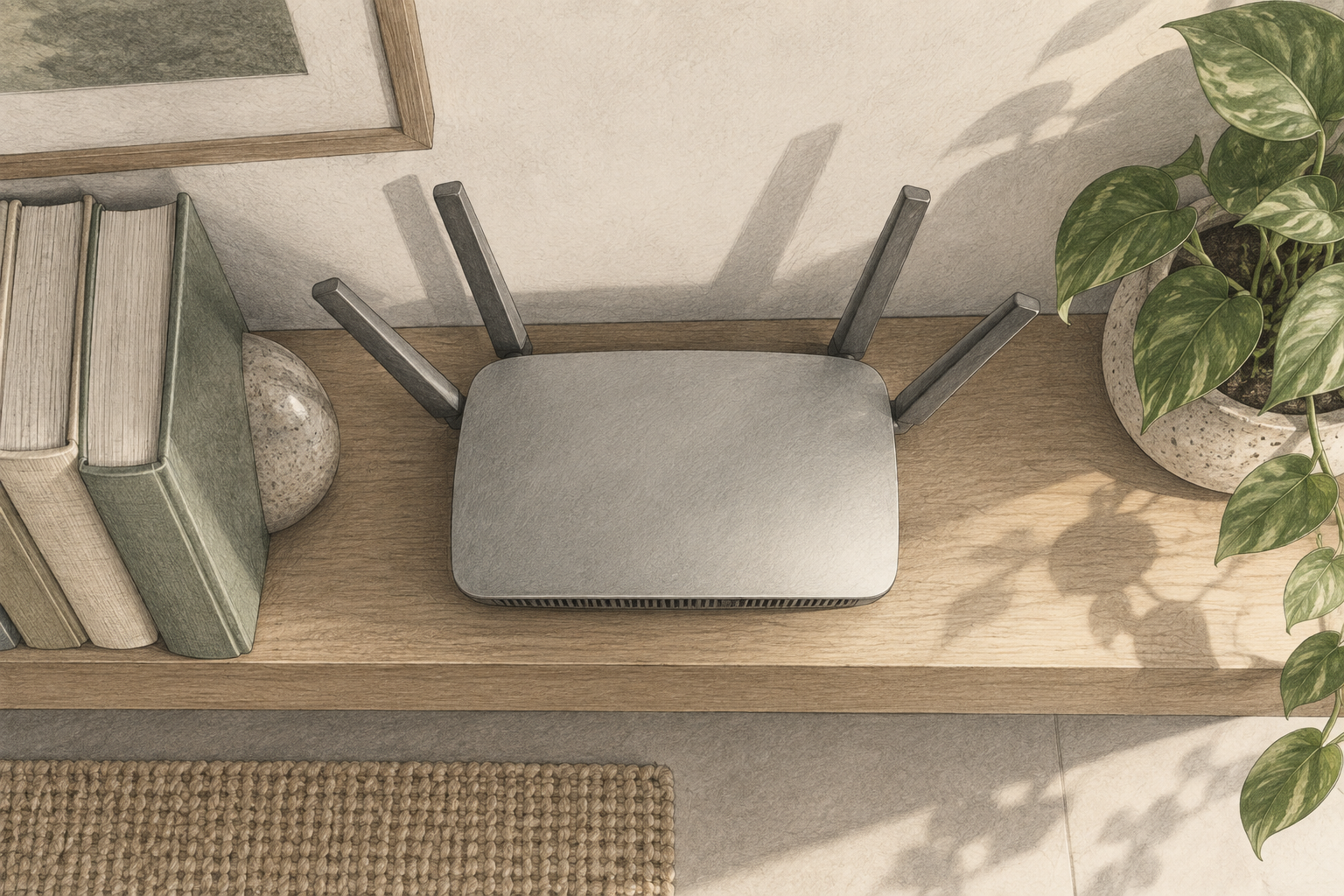
Conceptual illustration
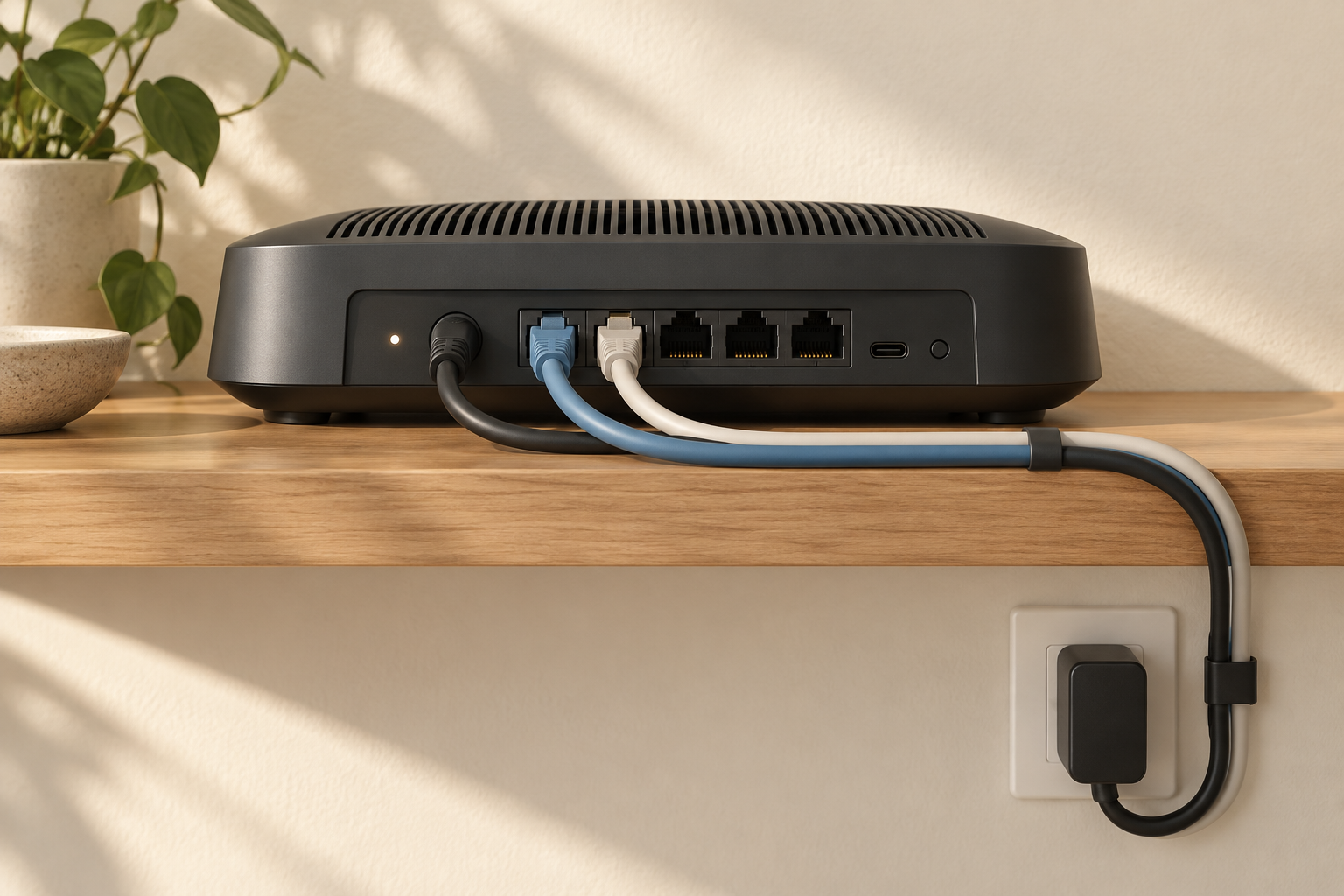
The GT-BN98’s arrival is a reminder that a connected product is judged in a room, not on a spec sheet. If your team is balancing radio performance, enclosure size and everyday usability, product design and early prototyping can help test the whole system before its form is locked. Talk with Jackson Hedden about the physical design challenges in your next connected product.