Googlebook’s Launch Puts Five Laptop Designs Behind One Platform
Googlebook laptops reach stores in Canada, the U.K., Ireland, France, Germany and Australia on October 5, after starting U.S. availability on October 4. Google announced the line on September 21 as a premium laptop family built with five hardware partners. That makes this launch a useful design case: one platform identity has to make sense across machines that differ in size, hinge, materials and intended use. The physical experience must carry the promise as clearly as the shared software does.
A platform still arrives as a physical object
Google’s launch material describes five models rather than one reference laptop: Acer’s convertible, an Asus model weighing 2.2 pounds, and Lenovo’s 15-inch work-oriented model sit among variants from Dell and HP. The company presents them as a premium family, with finishes and materials including aluminum, magnesium alloy and carbon fiber. The hardware and its availability details are set out in Google’s September 21 announcement and design overview.
That range is commercially useful: a buyer can choose a convertible posture or a lighter travel form without leaving the platform. But platform consistency is experienced through repeated physical interactions, not the logo on a boot screen. Opening the lid, finding a shortcut, connecting a phone and reading a status cue should feel familiar even when the chassis is made by another company.
Shared signals need useful physical addresses
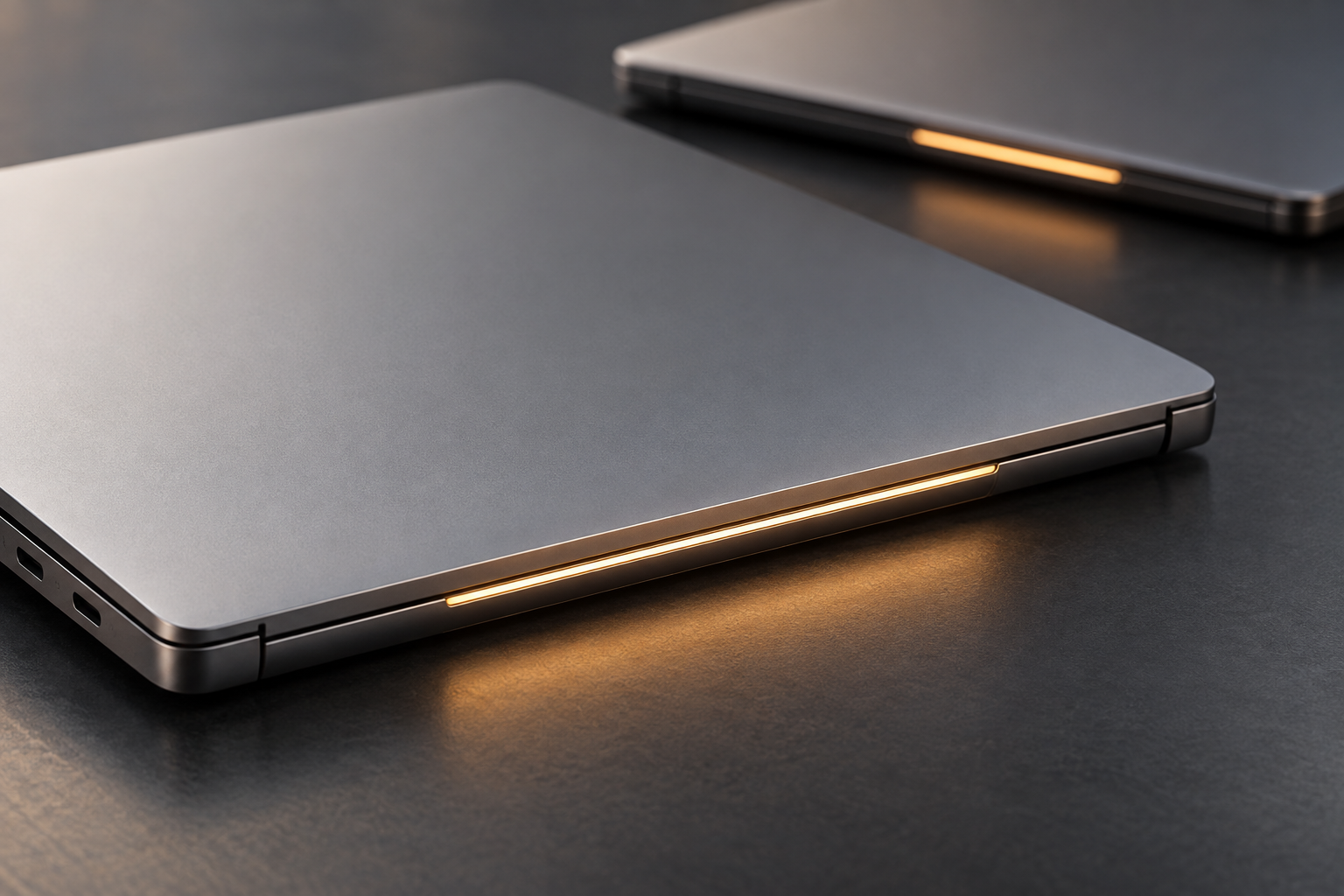
Google describes a common set of interaction cues, including haptic trackpads, keyboards, a Quick Insert key and a light strip called Glowbar on the lid. Each is a small promise that the platform behaves consistently. The question for design teams is where the cue sits and who can see or feel it during the task.
For example, Google says the Glowbar can animate at startup and indicate battery status. In a hands-on report from Google’s September launch event, TechRadar notes that the bar is on the back of the lid and that its battery cue is useful while charging. That location may make the signal visible to someone across a desk while leaving it outside the owner’s direct view when working. This is not a defect by itself; it is a tradeoff between ambient visibility and immediate feedback.
Conceptual study of a laptop status cue, not Googlebook hardware or an exact rendering of Glowbar.
Hardware variety raises the consistency bar
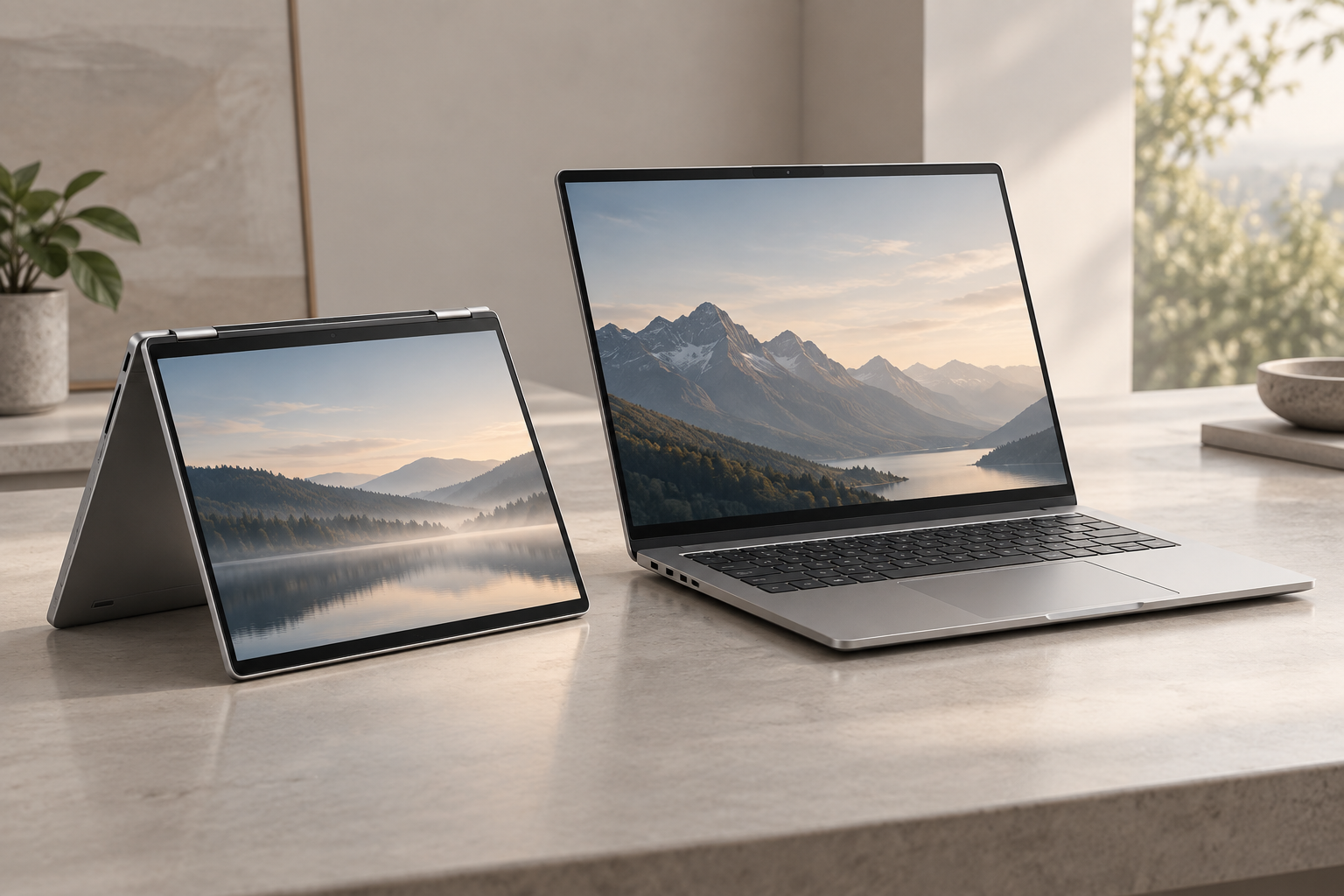
A convertible is held, rotated and tapped differently from a conventional clamshell. A compact travel laptop competes on weight and portability; a larger-screen model needs a stable viewing angle and enough palm-rest area for longer sessions. These differences affect hinge resistance, keyboard layout, trackpad reach, port access and how the device behaves on a lap or small table.
Google’s partner overview names those different roles, while TechRadar’s early hands-on coverage describes a mix of ultra-light, work-oriented and convertible forms. The design implication is to separate what should remain common from what should adapt. A shared shortcut can keep its meaning across machines; hinge geometry should not be forced into a one-size-fits-all solution.
Illustrative comparison of laptop postures and scale; these are not Googlebook or partner product photographs.
Test the family, not just the flagship
When a platform spans multiple makers, the validation plan should cover the boundaries between software and hardware. Ask users to locate status information from the working position, use the common shortcut without looking, move between laptop and phone, and repeat those actions on both the convertible and clamshell forms. Check whether keyboard and trackpad conventions stay coherent while each model’s size and hinge serve a real use case.
Then test the less glamorous decisions that shape ownership: whether ports remain reachable when charging, whether a hinge stays stable on uneven surfaces, and whether a repair or battery replacement can be handled without damaging a distinctive light feature. Those questions are recommendations for evaluation, not claims about the launched models’ repairability or performance.
Googlebook’s October 5 market expansion puts a multi-maker laptop family in front of more buyers. The opportunity is to let people choose a form that suits their work while preserving familiar interactions across the range. For teams developing a related platform, product design and early prototyping can help distinguish meaningful hardware variation from inconsistency. Talk with Jackson Hedden about the physical design challenges in your next connected product.