Elliptic Labs’ Latest Launches Put Invisible Sensing in Focus
On October 2, 2026, Elliptic Labs reported nine commercial device launches during September using its AI Virtual Smart Sensor Platform: eight smartphones and one laptop. The smartphone manufacturers include TCL, vivo, Honor and Transsion. This is a newly published deployment update about last month’s devices, rather than the announcement of a new sensing invention.
For consumer product teams, it raises a useful question: when software takes over a job associated with a dedicated component, what must the physical design still deliver? Our analysis is that removing a sensor can simplify an enclosure while making integration, validation and recovery behavior more consequential. The launch count alone does not establish accuracy, battery savings or a better user experience.
The images accompanying this article are conceptual illustrations. They do not depict the announced devices, actual sensor layouts or measured performance.
The component can disappear; the interaction cannot
Elliptic Labs describes its virtual proximity sensor as detecting whether a user is near or far from a device. Its familiar smartphone use case is turning off the screen and disabling touch input during a call when the phone is held to an ear. Users may never think about the sensor, but they notice when a screen stays dark after the phone moves away or a cheek activates a control.
The company’s technology description says it uses existing speakers, microphones and other on-device sensors instead of adding dedicated sensing hardware. Those are supplier descriptions, not independent measurements of these September models. We have not tested the devices, and this update does not provide a comparative usability study.
The design opportunity is real as a proposition: fewer dedicated components may give teams more freedom over space allocation and visible openings. The responsibility remains equally physical. A microphone opening, acoustic mesh, speaker cavity or case geometry should be reviewed as part of the complete interaction system, rather than treated only as an appearance detail.
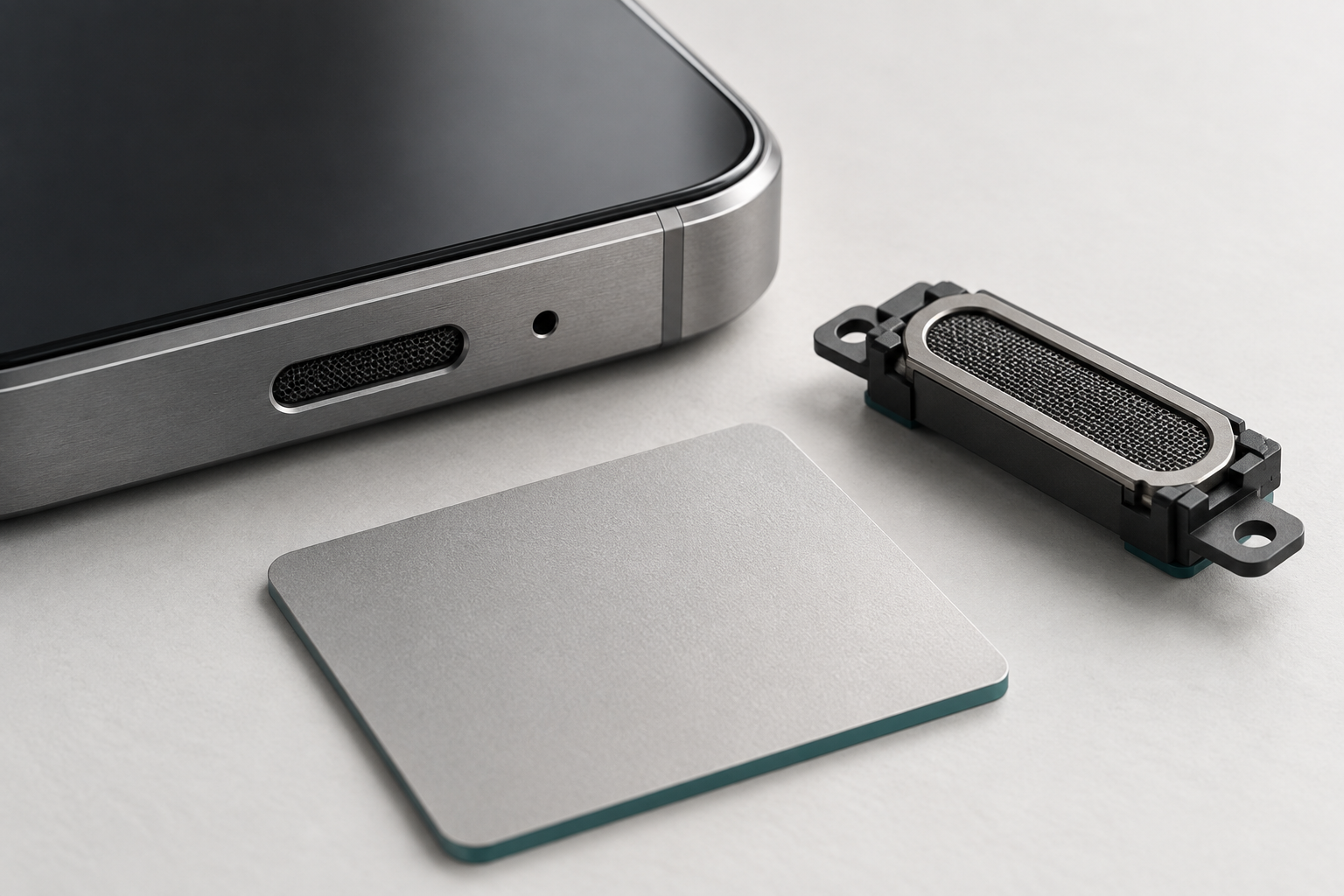
Conceptual illustration of an imagined integration study, not actual device internals.
Define the decision before choosing the sensor
A useful brief starts with the action the product will take. Does it suppress touch, dim a display or change a wake state? What happens if it makes the wrong decision? The answers determine how much uncertainty the experience can tolerate.
Android’s position-sensor documentation explains that some proximity sensors return binary near/far values, with behavior that varies between sensors. That is an important integration reminder: the application’s decision is not necessarily a continuous, precise distance measurement. This documentation does not verify Elliptic Labs’ implementation on any particular model.
For a phone call, the team should define both directions of the transition: when accidental touches must be prevented and when the controls should become available again. A delay that protects against one unwanted input may make another action feel unresponsive. Specify the acceptable behavior in recognizable tasks, then choose the sensing method that can support it.
Test the assembled product, including ordinary variations
Our recommendation is to evaluate the final assembly across a deliberately varied set of conditions. Compare different grips and approach angles, cases and screen protectors, call routes and changes in posture. For an acoustic approach, ask the supplier which physical openings and audio states matter, then include those conditions in the validation plan. These are proposed tests, not claims that the announced devices have defects.
A bench demonstration can establish that an interaction works in one arrangement. It cannot replace sessions in which people pick the product up, move it away, change hands and resume an interrupted task. Include people with different ways of holding and operating a device; a single preferred grip is an inadequate proxy for the audience.
This is where physical prototyping becomes an interaction tool. Represent the enclosure, opening locations and accessories closely enough to test the intended behavior. Keep a record of the geometry and software version together so the team can identify which combination produced a result.
Conceptual illustration of possible test conditions, not measured device results.
Cost savings need a complete system calculation
Removing a dedicated component should be assessed alongside licensing, integration effort, processing demands, validation and support. The October update provides deployment counts; it does not establish a universal saving per device. A lower component count is an input to the business case, not the business case itself.
Compare the proposed software approach with a dedicated sensor, sensor fusion or a simpler interaction that needs less automatic inference. Ask who maintains the behavior after launch, how updates are tested and how users recover from an unwanted state. Where privacy is part of the proposition, document the actual data path for the chosen configuration instead of assuming that a platform label describes every feature.
A stronger brief for invisible features
The practical lesson is to commission a behavior, not merely remove a part. Define the user task, the consequence of a wrong decision, the relevant physical conditions and a clear validation method. Then review industrial design, electronics and software together.
Elliptic Labs’ latest report makes this a current commercial design question. The useful outcome for a brand is a product whose invisible sensing supports an ordinary action consistently. If your next device depends on that relationship, start with the product design brief and talk with Jackson Hedden about the interaction you need to deliver.