LG Display’s 720Hz OLED Raises the Monitor Integration Brief
Design news and analysis · September 23, 2026
LG Display announced a 24.5-inch, 720Hz gaming OLED panel on September 21 and said it was entering mass production. The company specifies Full HD resolution and identifies ASUS’s ROG Swift OLED PG259QWS Ace as its first monitor application. Its announcement describes an integrated approach to panel design and driving electronics. This is a component-development story with a direct consequence for product teams: a striking specification still has to become a coherent physical product.
LG Display also claims a 0.02-millisecond response time. That figure is a manufacturer claim, not a measurement made by Jackson Hedden, and it should not be confused with the delay of the entire computer-to-screen experience. The useful design question is what must happen around the panel for its intended benefit to reach the user.
Turn the headline number into a system brief
At 720 refreshes per second, one refresh interval is approximately 1.39 milliseconds. That calculation describes a time interval; it does not establish how quickly a particular game, input device, computer, or finished monitor will respond. A product team needs to keep the component specification separate from the behavior of the complete system.
Start the brief with a defined scenario. Specify the content source, operating mode, connection, and conditions in which the product is expected to deliver its advertised behavior. Then identify what the user must do to reach that mode. A capability that depends on an obscure menu selection or an unclear cable requirement can become a support problem even when the underlying hardware works as intended.
This is also a communications problem. A specification table can state an upper limit accurately while leaving customers uncertain about their own setup. Product packaging, onboarding, and support instructions should explain the required configuration in language a buyer can act on. The engineering and customer-facing descriptions should come from the same agreed requirements.
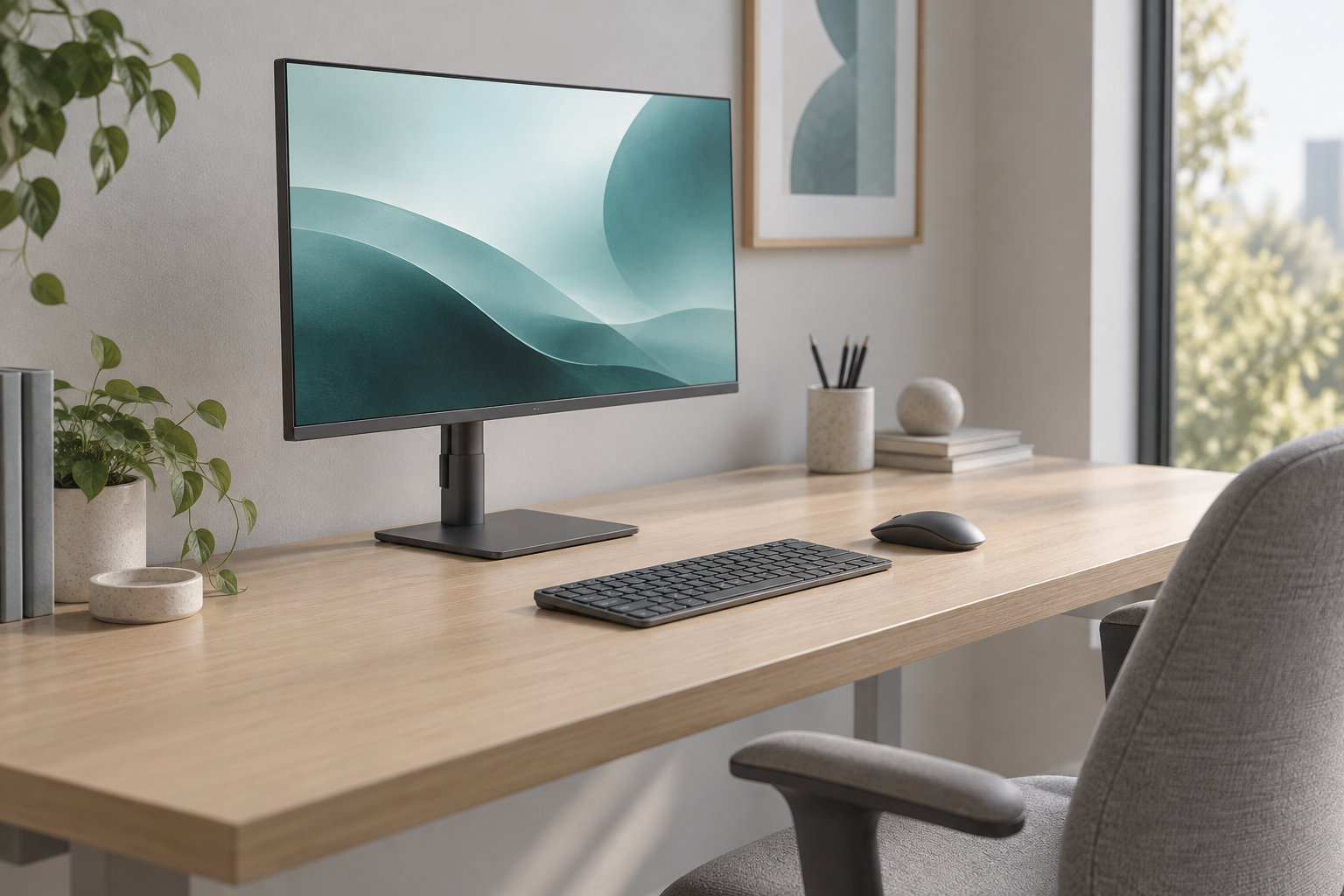
AI-generated conceptual desk study, not evidence of ergonomics testing.
A smaller panel changes the physical brief
The 24.5-inch format deserves attention alongside refresh rate. A monitor occupies a desk as an assembly: panel, stand, cables, and the clearance needed to adjust it. The diagonal measurement says little about how much room remains for a keyboard, mouse, or a person’s preferred working position.
For a new monitor concept, review the stand footprint with the actual desk activities. A visually dramatic base might compete with mouse movement. A compact base may need a different structural solution to remain stable during adjustment. An attractive rear profile can make connections difficult to reach when the screen is near a wall.
These are hypotheses for evaluation, not criticisms of the announced panel or ASUS monitor. Full-size mockups can help teams compare reach, clearance, adjustment, and cable routing before committing to a final enclosure. A useful industrial design brief describes those interactions as explicitly as the front-view appearance.
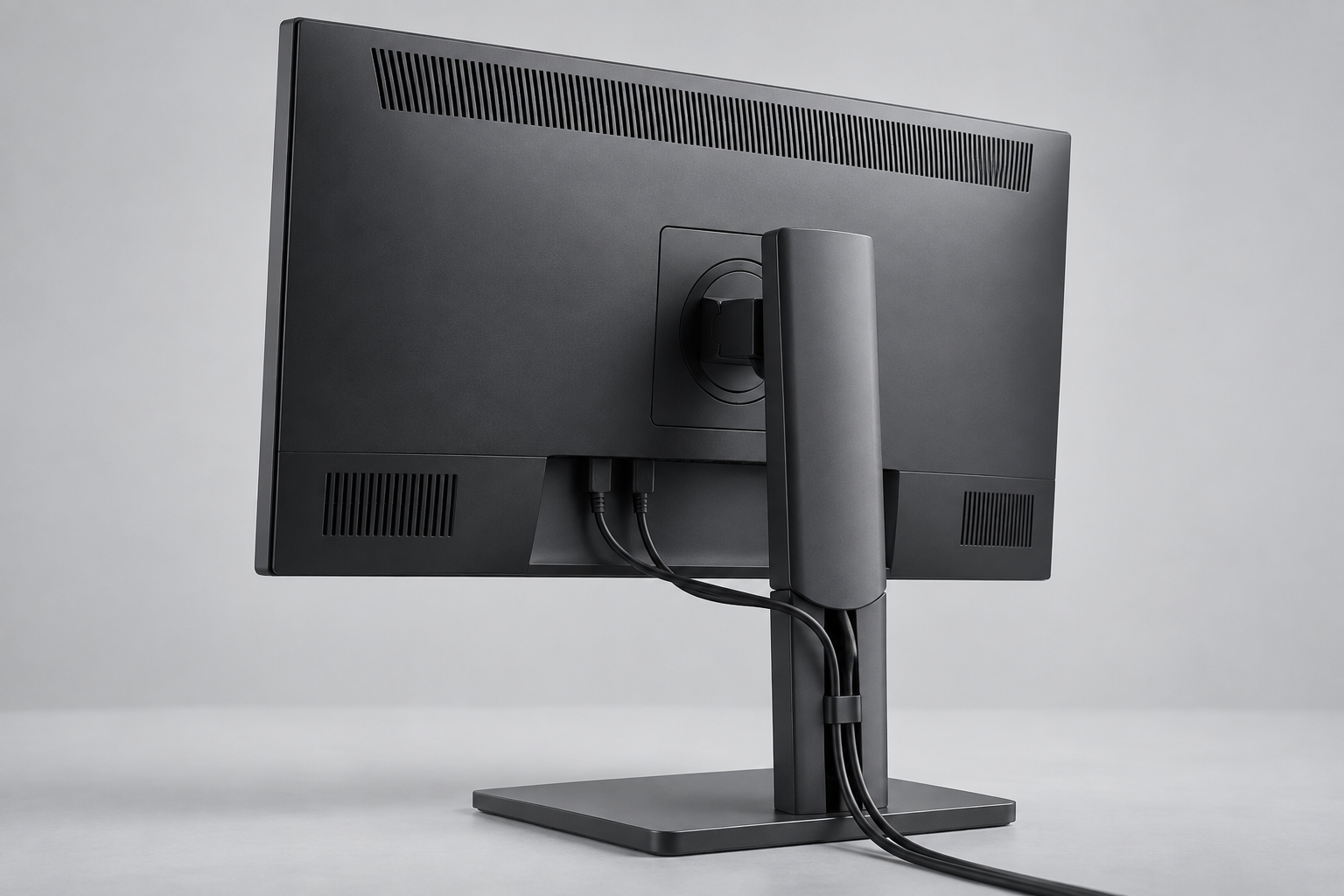
AI-generated conceptual integration study, not an actual product assembly.
Integration needs room for the ordinary details
A component announcement does not settle a finished product’s enclosure layout, port access, service strategy, or thermal implementation. Those decisions belong to the team building around the component. Treating them as late styling details risks creating conflicts after the major dimensions are already fixed.
Consider a cable connected to a screen that can change height and tilt. The cable needs enough freedom to move without pulling against the connector, but excess length should not become an uncontrolled loop across the desk. The routing feature, stand movement, and port orientation need to be reviewed together.
The same principle applies to access during assembly and service. An enclosure can look clean while requiring an awkward sequence to install or replace an internal part. Early layout reviews should include the hands, tools, and fastening operations required to build the product. A render alone cannot establish that the sequence is practical.
Plan separate tests for separate promises
Performance, usability, and physical quality require different evidence. A display measurement does not prove that someone can find the appropriate mode. A successful setup session does not establish long-term durability. A stable stand does not validate a claim about motion clarity.
Write a short verification plan around each promise. Define the conditions for measuring display behavior, the tasks for evaluating setup, and the physical checks appropriate to the enclosure and stand. Use prototypes that can answer each question: handling models for geometry, working assemblies for operational behavior, and representative builds for assembly evaluation.
LG Display’s September announcement makes a demanding panel specification available to monitor developers. It does not remove the work of designing the product around it. For founders and product leaders, the practical takeaway is to budget for that surrounding work at the same time as component selection. If your team is integrating a new technology into a consumer device, discuss the product requirements with Jackson Hedden.
Editorial note: Announced specifications and production status are attributed to LG Display. The recommendations are design analysis, not a hands-on review. Images are AI-generated conceptual illustrations, not LG Display panels, ASUS products, internal assemblies, or test results.