Microsoft’s Haptic Mouse Makes Feedback Part of the Interface
Microsoft announced a redesigned Surface Mouse on September 23, adding haptic responses to actions such as a click registering, a window snapping into place, or an object aligning on screen. The $79.99 mouse is scheduled to go on sale October 13 in select markets. The announcement is a useful design prompt: when software can confirm an action through the hand, the input device becomes part of the interface rather than a neutral pointer.
That promise is still a product claim, not a broad usability finding. Microsoft describes the interactions it intends to support, and early hands-on coverage reports feeling haptic cues for window snapping and object alignment. The mouse has not yet reached its announced retail date, so durability, comfort over long sessions, user preference, and accessibility outcomes remain open questions.
A small actuator changes the feedback loop
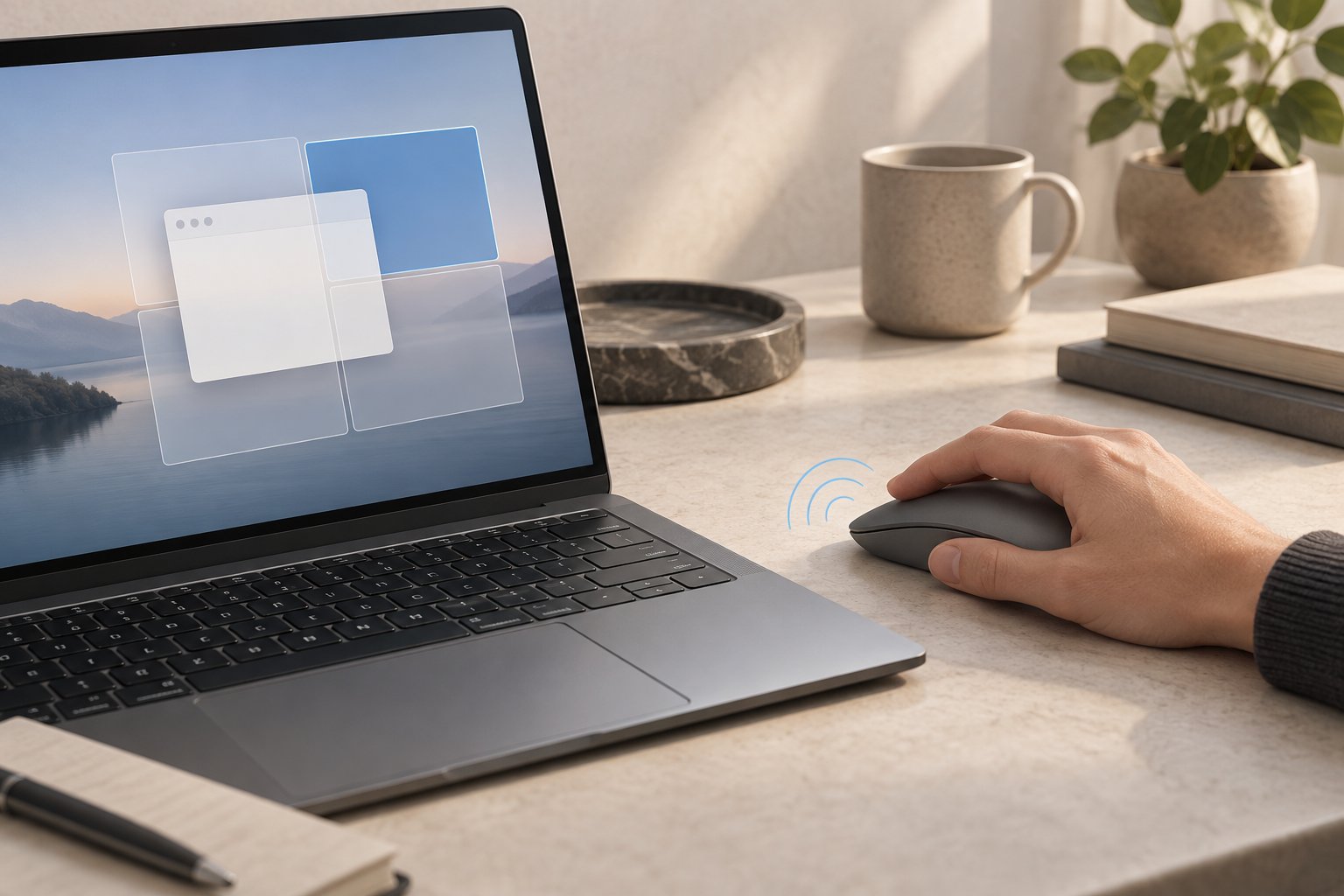
AI-generated conceptual illustration of a possible interaction.
A conventional mouse transmits movement and clicks to the computer; people usually look at the display to learn whether the system accepted the input. A haptic cue can add another channel. Microsoft says its new mouse can provide a tactile response when a click registers, a window snaps, or an object aligns. A Windows Central hands-on report also describes a small vibration motor and tactile signals during snapping and alignment.
The meaningful design decision is not simply adding a motor. It is deciding which software events deserve a physical signal, how strong and distinct each cue should feel, and whether the cue arrives quickly enough to reinforce the action. A pulse that confirms a precise alignment could reduce the need to shift attention between cursor, guide, and status indicators. Too many pulses, or pulses that are hard to distinguish, can turn confirmation into noise.
That makes the feature a hardware-and-software system. The mouse needs an actuator, control logic, power budget, and a shell that transmits vibration predictably without making ordinary clicks feel loose or loud. Applications and operating-system events also need consistent rules. Microsoft has announced compatibility examples, but designers should verify supported actions, customizability, and behavior across applications before promising a seamless experience.
Design the signal before the mechanism
For a product team, start by listing moments where people hesitate: Did the click register? Did the object land on the guide? Did the window actually dock? Then test whether a tactile signal makes each moment clearer than visual feedback alone. The cue should arrive at the point of confirmation, stay distinct from the mouse’s mechanical click, and remain useful when a person is not looking directly at the screen.
Test across grip styles and hands, including left-handed use. Microsoft describes the mouse as ambidextrous, and its announcement says the redesigned shape is intended for all-day comfort. That is a stated design goal, not evidence of fit across hand sizes. Vibration can feel different depending on grip pressure, contact area, and posture; a cue that disappears in a light fingertip grip may feel distracting in a firm palm grip.
Haptics can also be an additional access channel, but only if the experience is optional and configurable. People who are sensitive to vibration should be able to reduce or disable cues without losing essential functions. People with limited sensation need redundant visual or audio confirmation. A tactile response should never be the only indication that an important action succeeded.
Material claims and ownership still need scrutiny
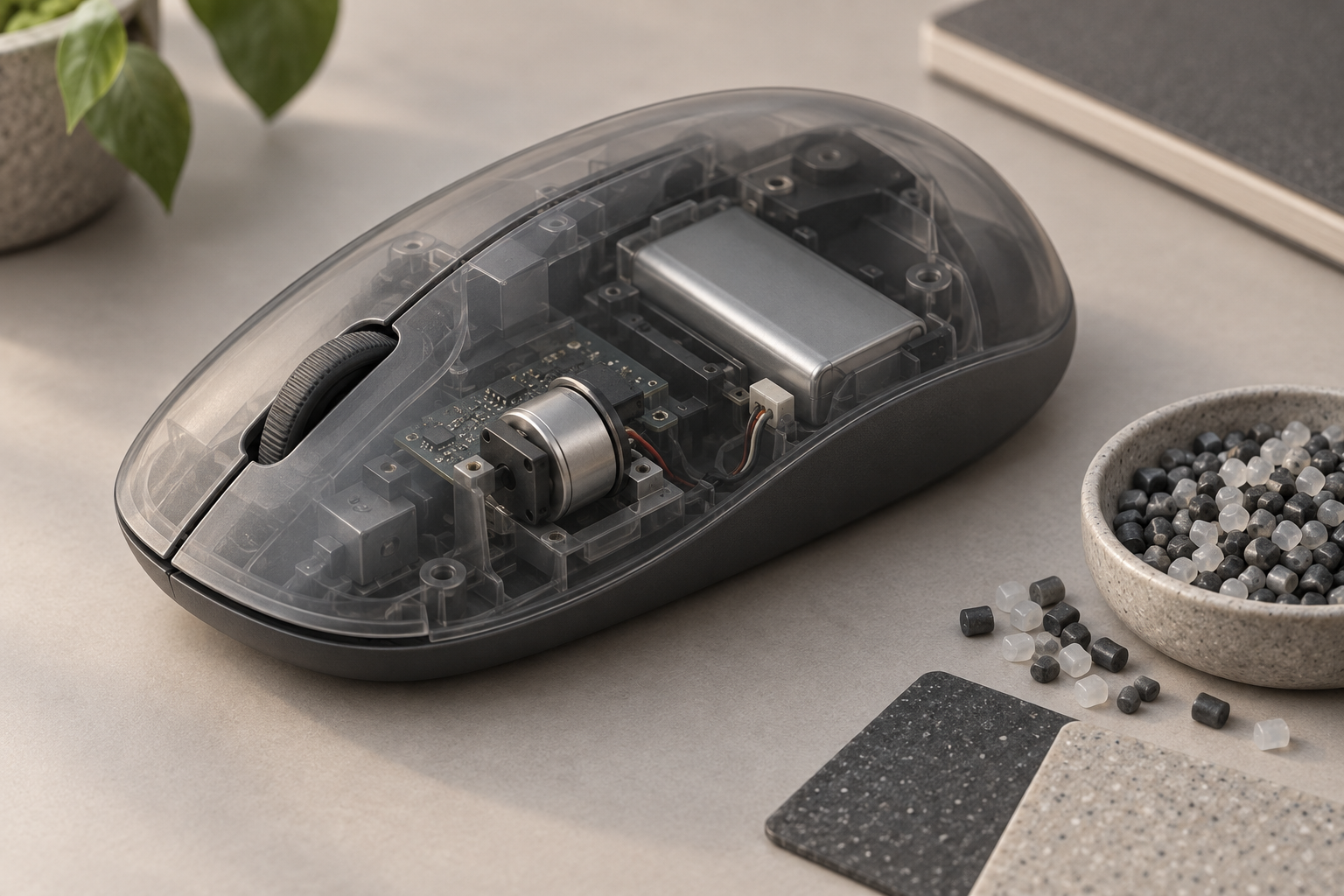
AI-generated conceptual illustration; internal layout is not based on Microsoft hardware.
Microsoft says the mouse contains 30% recycled content, including the most post-consumer recycled plastic of any Surface mouse. That is a useful material disclosure, but the company has not, in the announcement, provided a complete life-cycle comparison or details that establish how repairable the product will be. The new feature set also brings an actuator and electronics into a peripheral that users may expect to keep for years.
Battery life, replacement options, software support, and service access shape the environmental result as much as the recycled-content percentage. TechSpot reports Microsoft’s claim of up to six months on a charge and confirms Bluetooth 6.0 multi-device support; these are manufacturer-stated specifications rather than independent long-term test results. Before launch, the practical questions are whether haptics can be switched off to preserve battery, what happens when the battery degrades, and whether the mouse can be serviced. Teams assessing those issues can also plan a production handoff through manufacturing design and engineering.
What product teams can take from the launch
The Surface Mouse makes a broader point for connected hardware: a physical control can provide feedback about a digital state, but the value depends on timing, consistency, and restraint. Prototype the sensation early with adjustable actuators. Compare several pulse patterns and intensities. Ask users to complete common tasks with and without looking at the display, then record errors, interruptions, and whether people can identify each cue after practice.
Keep the hardware useful when the connected software is absent or unsupported. Core pointing and clicking should remain dependable, and personalization should not require a confusing setup ritual. If the signal helps only in a narrow set of apps, communicate that boundary honestly.
Microsoft’s announcement offers a clear experiment for teams designing input devices, appliances, controls, and connected products: use touch to confirm a meaningful state change, then test whether that confirmation improves the task for different people. If you’re working through a similar interaction or hardware decision, Jackson Hedden’s product design team can help connect user needs, industrial design, and engineering.
Images in this article are AI-generated conceptual illustrations, not images of the announced product or its internal construction.