Xbox Nano Shrinks the Controller, Not the Input Count
Microsoft introduced the Xbox Nano Controller on October 14, 2026, positioning it for smaller hands and portable play. The $49.99 controller is a little over five inches long, weighs 3.5 ounces, and retains all 18 standard gameplay inputs, according to Xbox Wire. Microsoft Store lists U.S. availability for November 4. Those are announced specifications, not results from an independent hands-on test. The design question is more useful than the “smallest controller” label: what changes when a familiar set of controls has to fit a much smaller contact area?
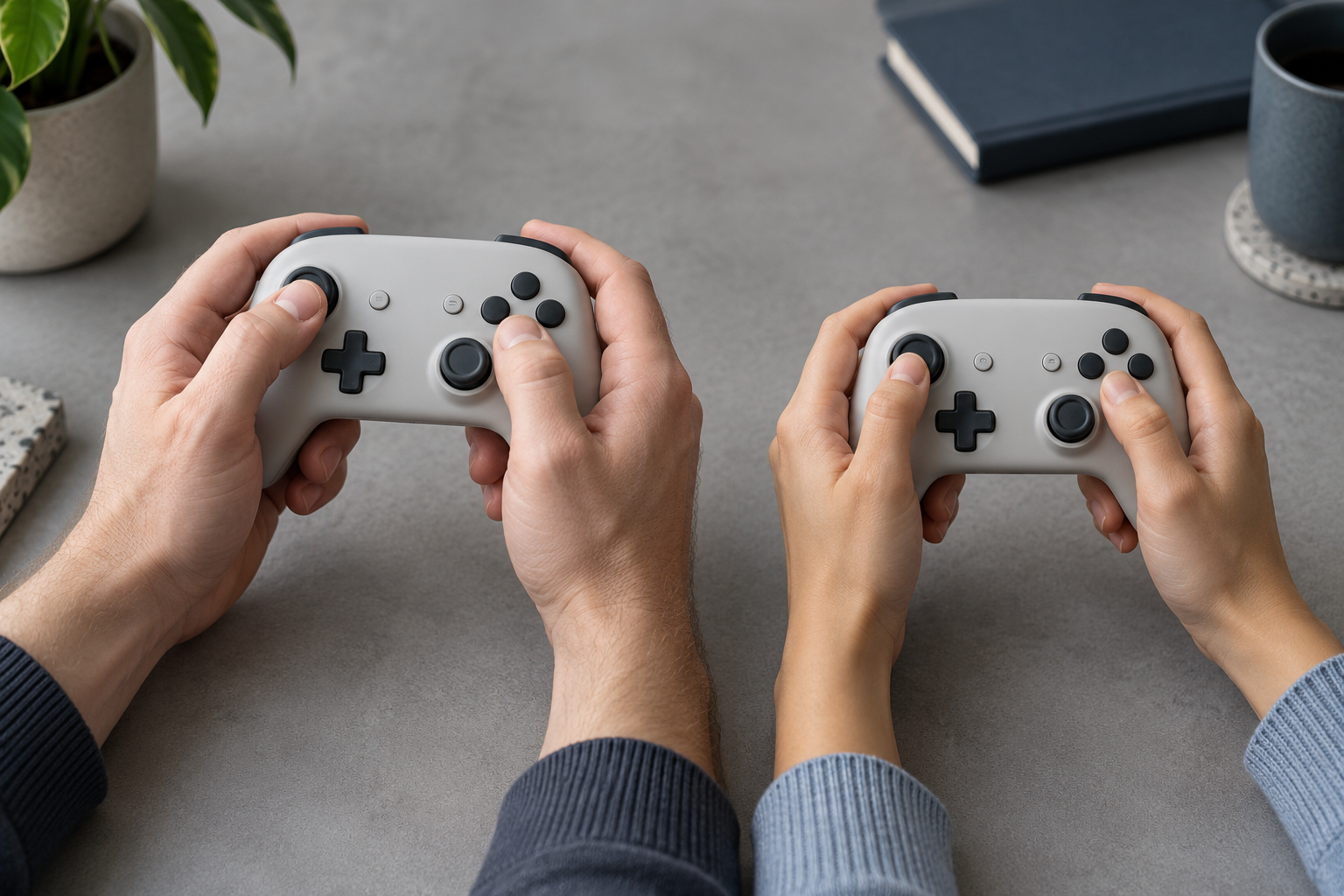
Shrinking the shell changes the reach problem
A controller is not just a container for buttons. Its grips establish where the hands rest; that position sets the thumb’s starting point and how the fingers reach shoulder controls. Reduce the overall envelope and those relationships need to be reconsidered together.
Xbox says the Nano keeps all 18 standard inputs in a familiar layout. That can preserve recognition for existing players, but input count alone says little about reach, spacing, or sustained comfort. In a compact shell, a thumb may have less room to move between a stick, face buttons, and a directional control. A shorter body may also alter where different hands support the device. These are design hypotheses to test, not conclusions we can draw from its published dimensions.
That distinction matters because “for smaller hands” and “comfortable for everyone” are not interchangeable claims. A product can be easier for one hand size to grasp while creating tighter thumb movements or a less stable hold for another. Even the person who can reach every control may not want to maintain that grip through a long session.
Preserve the control map; test the contact map
Keeping a familiar input set can reduce the learning cost of a compact controller. It does not guarantee the familiar arrangement works at the new scale. Teams should evaluate the contact map: where each hand lands, which fingers stabilize the body, how far each thumb travels, and whether the index fingers can reach the shoulder controls without shifting the grip.
A useful prototype review compares a range of hand sizes and grip styles, rather than treating one “small-hand” participant as a stand-in for all users. Ask people to locate controls without looking, perform repeated combinations, and keep the controller steady while using the outermost inputs. Record missed presses, accidental neighboring inputs, grip changes, and users’ reports of strain over a defined session. A rendering can show that every component fits. Only use in the intended grip can show whether the interaction remains clear and comfortable.
The same review should include quick, low-attention tasks, such as picking up the controller mid-game or handing it to another person. Portability often means the device moves between users and contexts; the designed interaction has to survive that handoff, not just a carefully staged first grip.
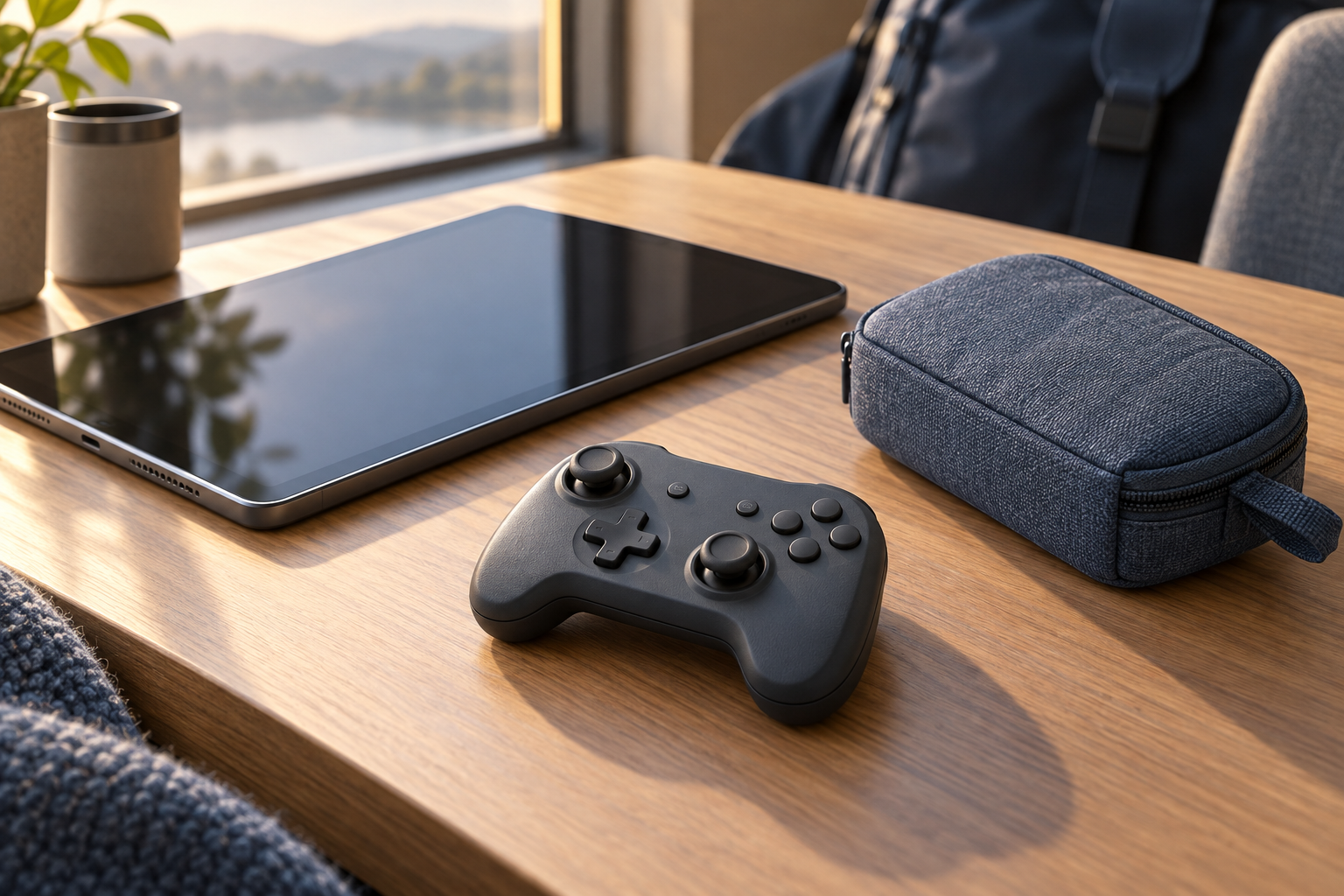
Pocketability is a product-system promise
Xbox emphasizes the controller’s size and weight, rechargeable battery, programmable Action Button, and Xbox Wireless and Bluetooth connectivity. Microsoft Store currently lists a November 4 U.S. release date; TechRadar’s October 15 report independently corroborates the announced price, size, input count, and availability details. Preorders are open, so product performance and long-session comfort remain unverified in this article.
A smaller body can change what people are willing to carry, but the “on the go” experience depends on more than the controller fitting in a pocket. Teams designing similarly portable hardware should consider how it is protected, stored, charged, paired, and recovered when a user switches between devices. In this case, the rechargeable battery and wireless options support the portability story; the design team still has to ensure the setup and control feedback are legible across the compatible devices people actually use.
These considerations also affect product planning. If the compact model serves different hands or travel situations, it may complement a standard controller rather than replace it. Clear product-family positioning can help buyers understand which use case each size supports, while prototypes can reveal whether the compact form remains usable across those situations.
What product teams can take from the Nano
The lesson is not that every controller should get smaller. It is that reducing a product’s envelope while retaining its feature set creates a new reach-and-support brief. For controllers and other handheld products, validate the hand-contact geometry before locking the enclosure: reach, stability, repeated use, and handoff behavior should be part of the design criteria, alongside dimensions and weight.
Xbox’s Nano announcement makes a clear product promise—more portability with a familiar input set. The practical test is whether people can use that input set with the same confidence in the smaller form. If you are developing a handheld product or evaluating a new interaction, Jackson Hedden’s consumer product design, product engineering and prototyping, and new product development work can help turn that question into a testable model. Discuss a product challenge.